Four render modes. One is right for this render.
A quick draft, a creative exploration, and a client-ready final are different jobs, so Vizbase gives you four render modes instead of one compromise. Every mode shows its credit price up front, and switching is one click. All four work from your own view and keep its layout.
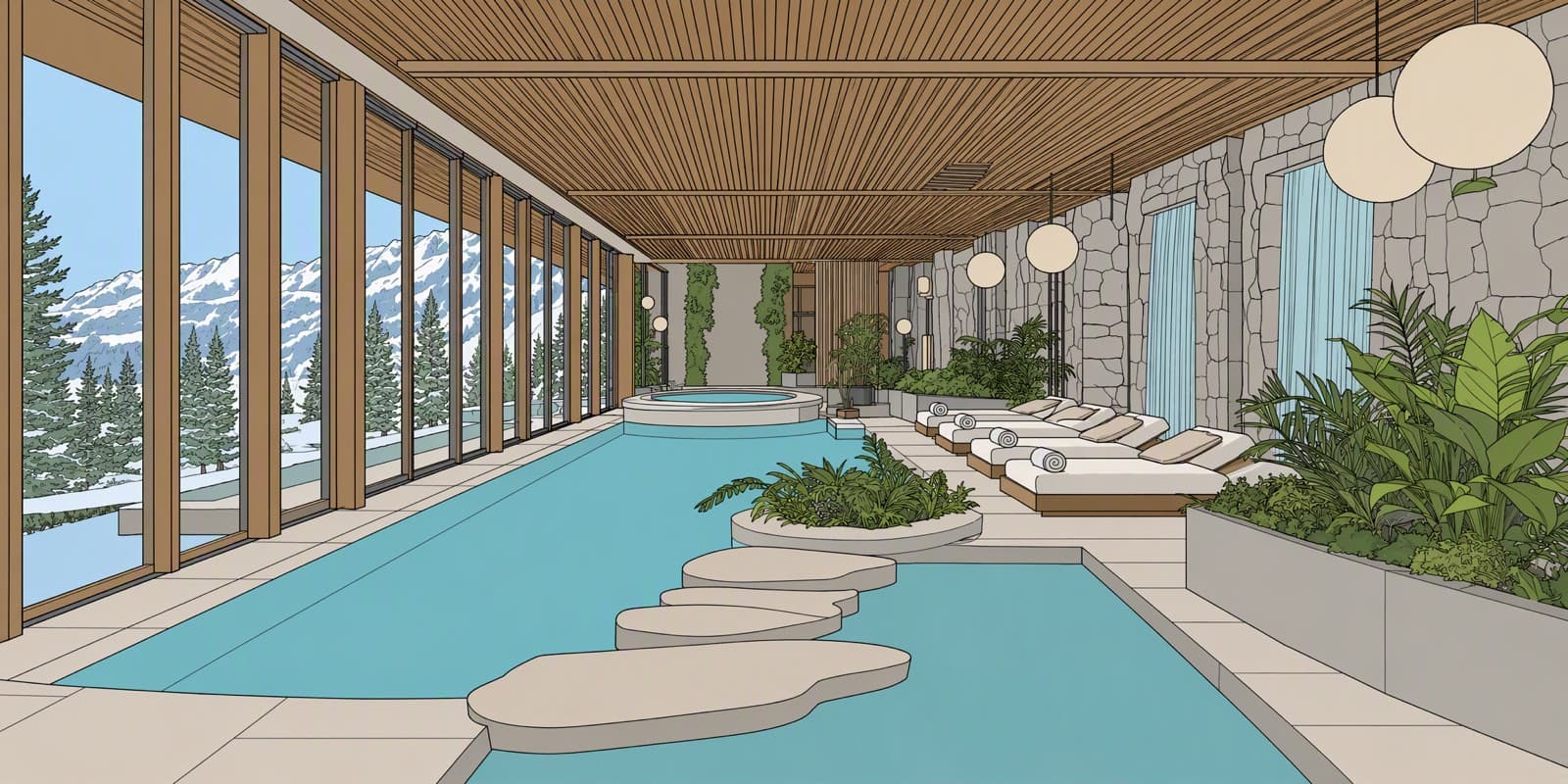
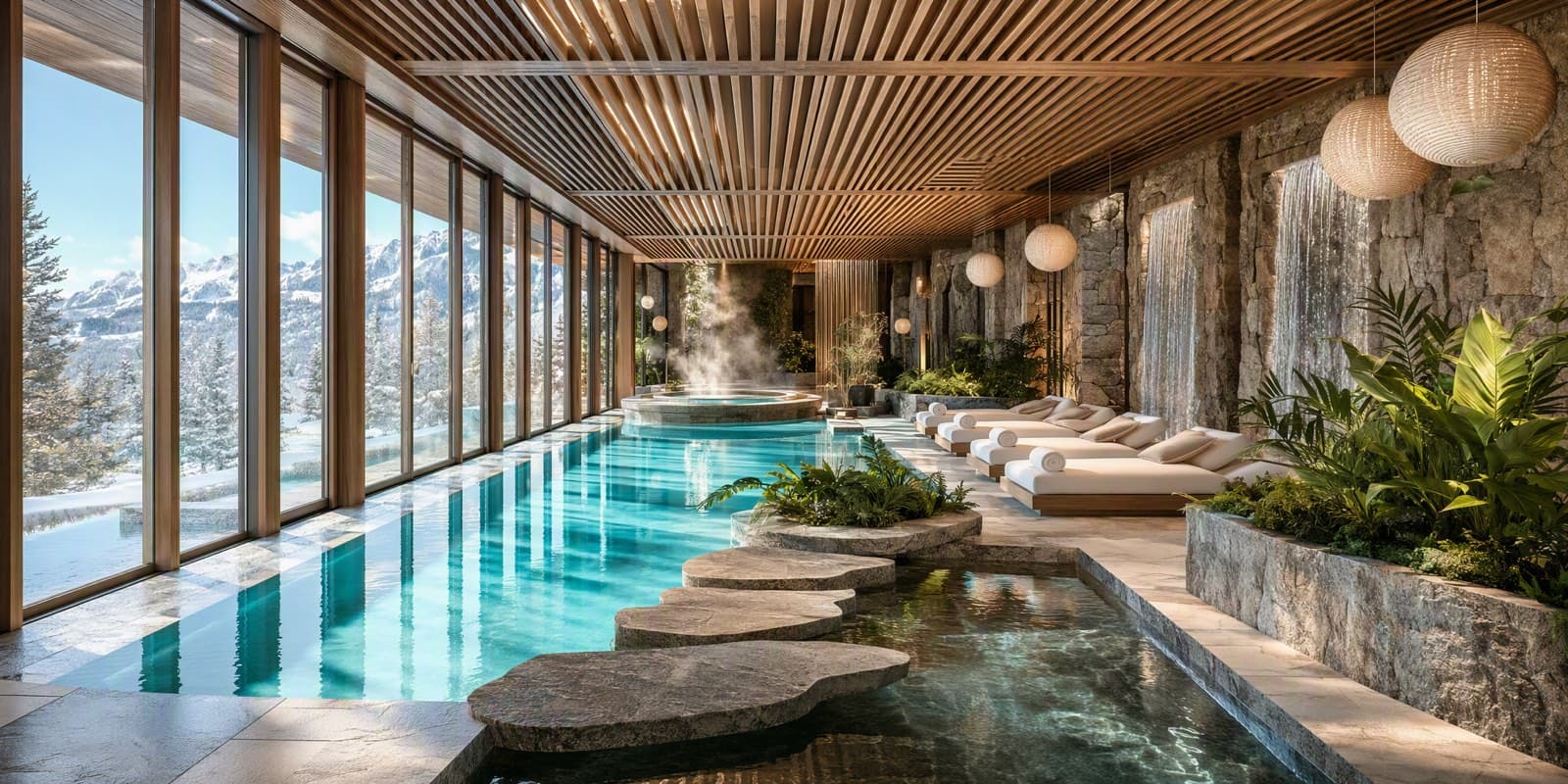
Different temperaments, honest prices
Fast, faithful drafts
Stays closest to your source image, including its lighting: the layout, furniture, and light carry through. The mode to reach for when you want to see the idea, not restyle it.
0.5 CREDITS · THE FASTEST MODECreative range with references
Creative interpretations guided by reference images: attach one per element to steer materials and style. Works best when you give it references.
0.75 CREDITS PER IMAGEMaterial realism and legible text
Strong material realism with the best text handling of the line-up: signage, labels, and printed detail come out readable. It also drops drawn SketchUp outlines.
0.75 CREDITS · 77–151 SEC IN OUR TESTSTrue to design, single pass
The newest mode. It reads your scene, tells the render which fixtures and through-window views to keep, and returns a render with photographic light and materials, true to the design, in a single pass.
0.75 CREDITS · ABOUT 2–3 MINUTES- Fast drafts → Gen 2.0
- True-to-design single pass → Gen 4.0
- Creative exploration → Gen 2.1
- Signage and printed detail → Gen 3.0
- Drop drawn SketchUp outlines → Gen 3.0
Built to keep your design
Three things work together so the render you get follows the design you drew: the layout, the camera, and the main pieces carry through. Small fixtures and repeated joints can still drift, and the slider shows you where.
Depth guidance
For Gen 2.0 and Gen 2.1, Vizbase derives a depth map (plus line structure for Gen 2.1) from your upload and feeds it to the render alongside the image, so it sees the space, not just the pixels.
Scene analysis
Before a Gen 3.0 or Gen 4.0 render, a scene analysis names what is actually in your image: the pendant lights, the corner fireplace, the view through the window. The render is instructed to keep them.
Compare and refine
Every render sits next to its source on a slider. If a fixture drifted, mark it and describe the fix: Refine re-renders the whole frame, guided by your mark.
Facades, streetscapes, and massing views
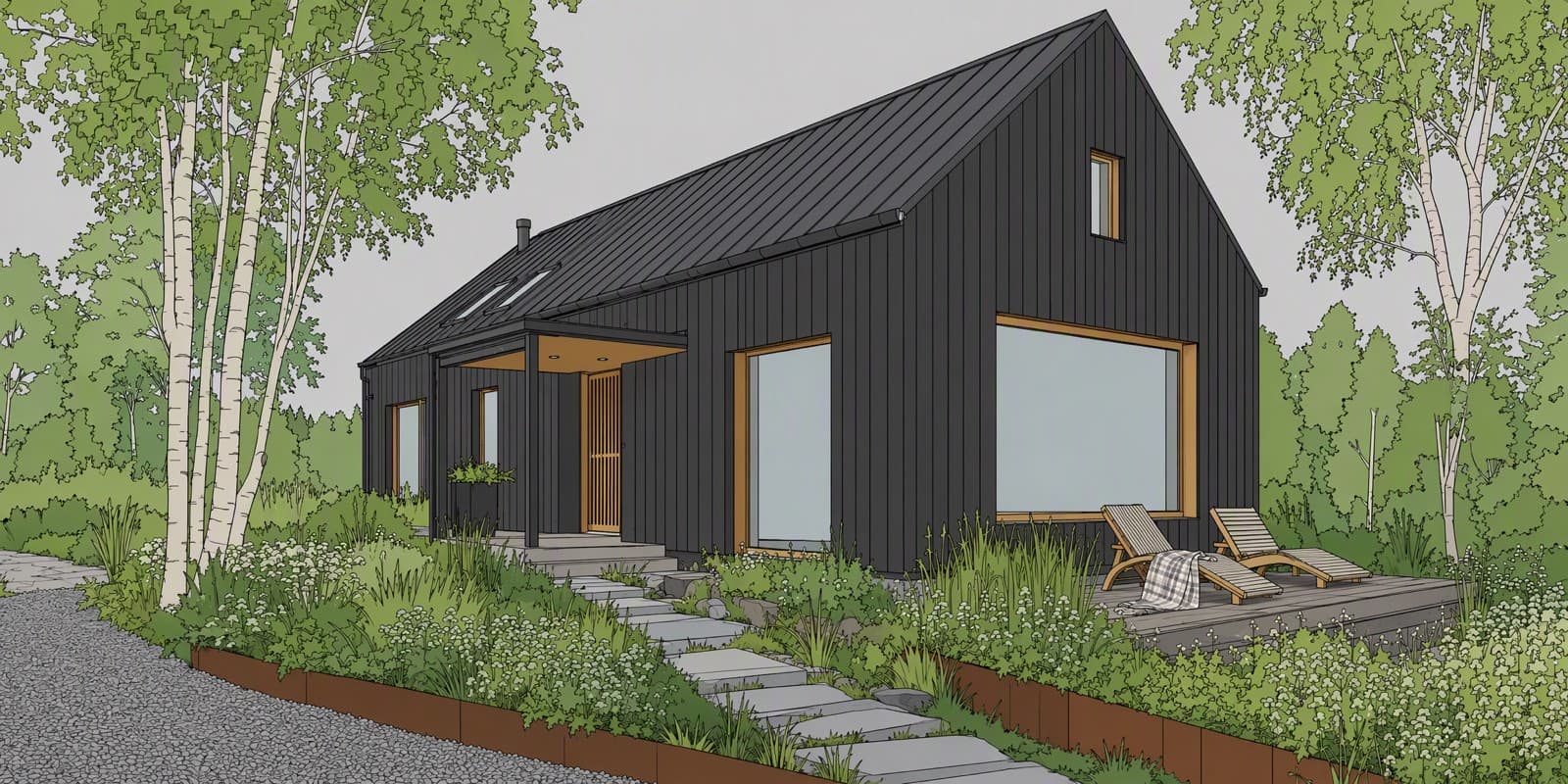
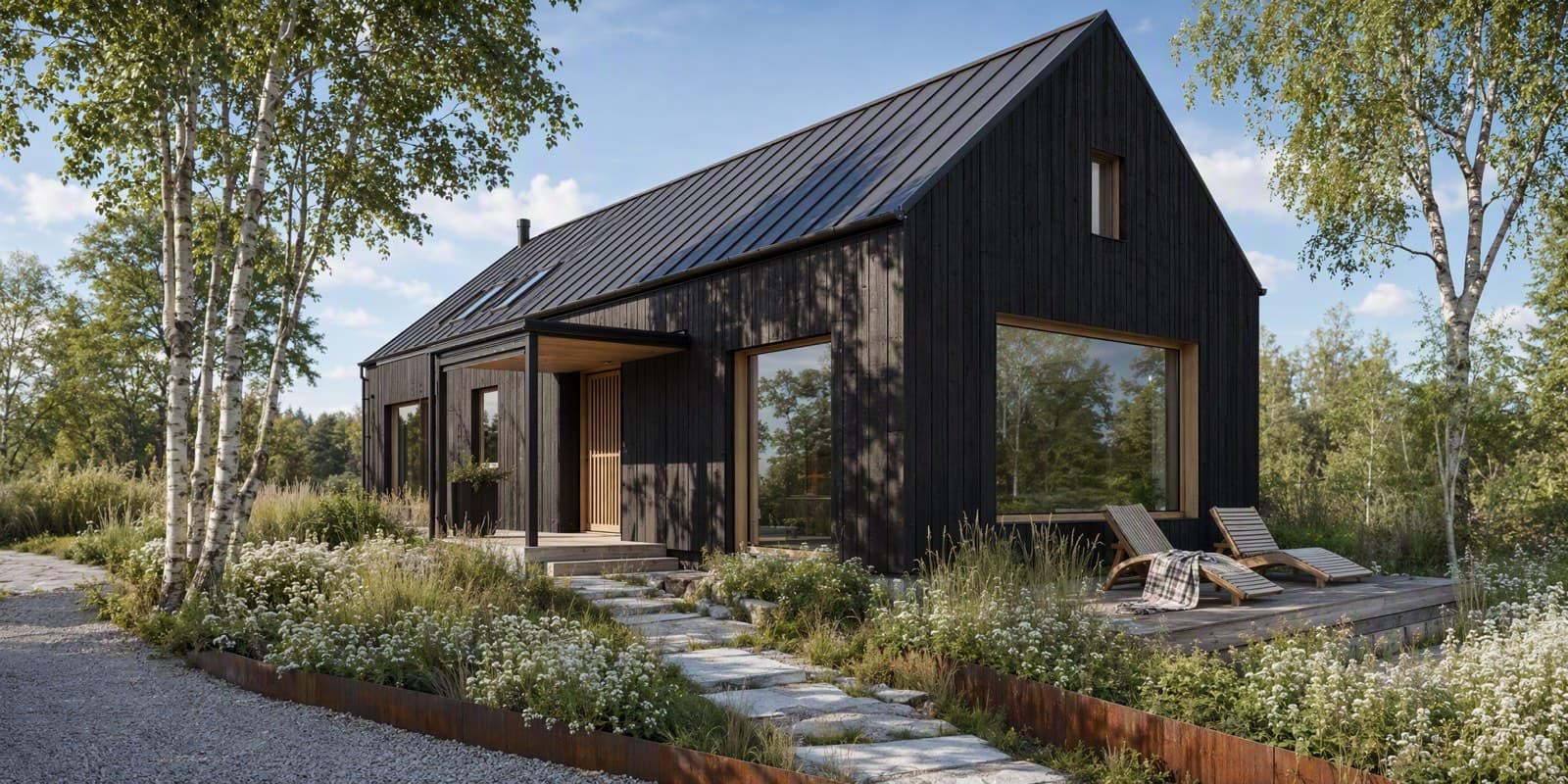
AFTER THE RENDER
Refine: change one element without starting over
Click a detected element or type what to select, then describe the change. The whole frame is re-rendered, guided by your mask, so areas outside it can change too; compare the result before it goes to a client.
0.5 CREDITS · EVERY PLAN, INCLUDING FREEUpscale: fixed 4K, 6K, or 8K
Export free at original resolution, or upscale to 3840, 5760, or 7680 pixels on the long edge for print and large displays. Available on paid plans, or after any credit-pack purchase.
4K 0.5 CR · 6K 1 CR · 8K 1.5 CRQuestions about the render modes
Which mode should I start with?
Gen 2.0 for the first pass: it is the fastest and cheapest mode, and it stays closest to your source image. Move to Gen 3.0 or Gen 4.0 once the design is settled and you want stronger materials and light.
How do credits work?
Each mode shows its price before you render: 0.5 credits per image for Gen 2.0 and 0.75 for Gen 2.1, Gen 3.0 and Gen 4.0. Failed renders refund automatically. The free plan includes 5 credits a month, enough for up to 10 Gen 2.0 renders, and purchased credit packs never expire.
Will the render modes change my design?
They are built not to: depth guidance and scene analysis help each render keep your layout, camera, and main pieces. A render is not a frozen copy, though, so small fixtures and repeated joints can drift; compare it with your source. Refine re-renders the whole frame, guided by the area you mark, so areas outside the mark can change too.
Can I render exteriors?
Yes. Upload facades, streetscapes, or massing views; set the scene type to Exterior at upload and the pipeline adapts.
What resolution do renders come in?
Each mode renders at its own native size, so the output size depends on the mode. For delivery, download free at the original size or export at fixed 4K, 6K, or 8K (3840, 5760, or 7680 pixels on the long edge) for 0.5, 1, or 1.5 credits.
Try all four on your own drawing
5 free credits — up to 10 renders, no watermark, no card required.
START FREE