From first sketch to client-ready render
Vizbase is an AI visualization platform for architects and interior designers. Upload a view from SketchUp, Revit, Rhino, or a hand sketch; the platform reads the elements in the scene, takes your material choices, and returns a photorealistic render. Around that core sit a materials library, collaborative boards, and shared workspaces for studios.
HOW IT WORKS
01
Upload
Any view that exports an image: SketchUp, Revit, Rhino, Blender, or a photographed hand sketch. PNG, JPG, or WebP.
02
Auto-analyze
Vizbase detects the elements in the scene: walls, floors, joinery, furniture, fixtures. Each one gets its own auto mask.
03
Customize
Describe materials per element in plain language, attach one reference image per element, and lock elements to leave them out of the material instructions.
04
Generate
Pick one of four render modes, from Gen 2.0, the closest to your source, to Gen 4.0, the newest. The credit price is visible before you commit.
05
Compare & refine
Check the result against your source on a slider, refine a marked area without starting over, and export free at the original size.
Four render modes. One is right for this render.
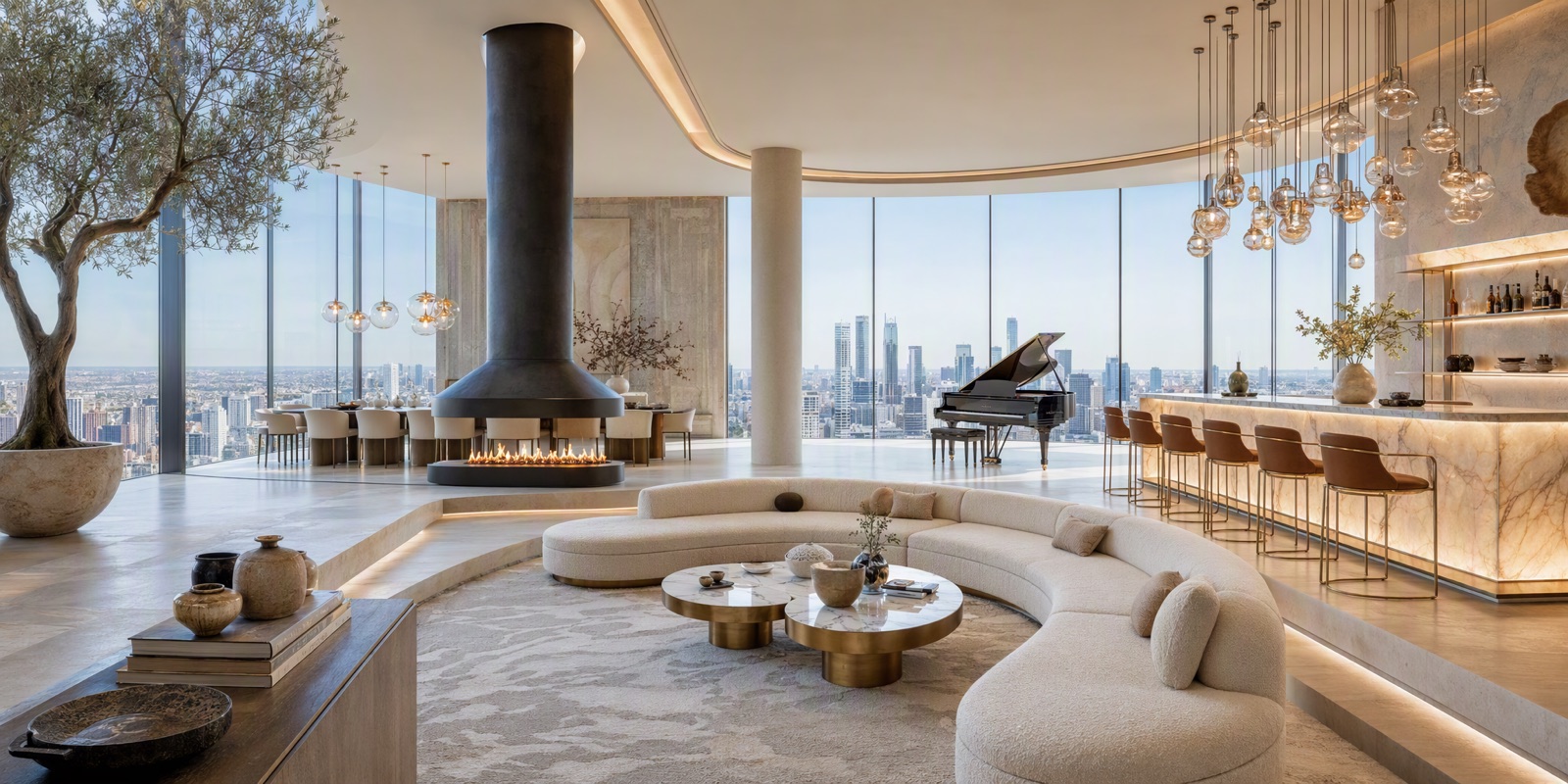
A draft for tomorrow's internal review is a different job than the final image for a client pitch. Vizbase has four render modes with different strengths: Gen 2.0 stays closest to the source image and is the fastest, Gen 2.1 makes creative interpretations and works best with reference images, Gen 3.0 brings strong material realism, and Gen 4.0 gives photographic light and materials, true to the design.
- Drafts from 0.5 credits
- Gen 3.0 drops drawn SketchUp outlines
- Depth guidance preserves your layout
- Credit price shown per mode, up front


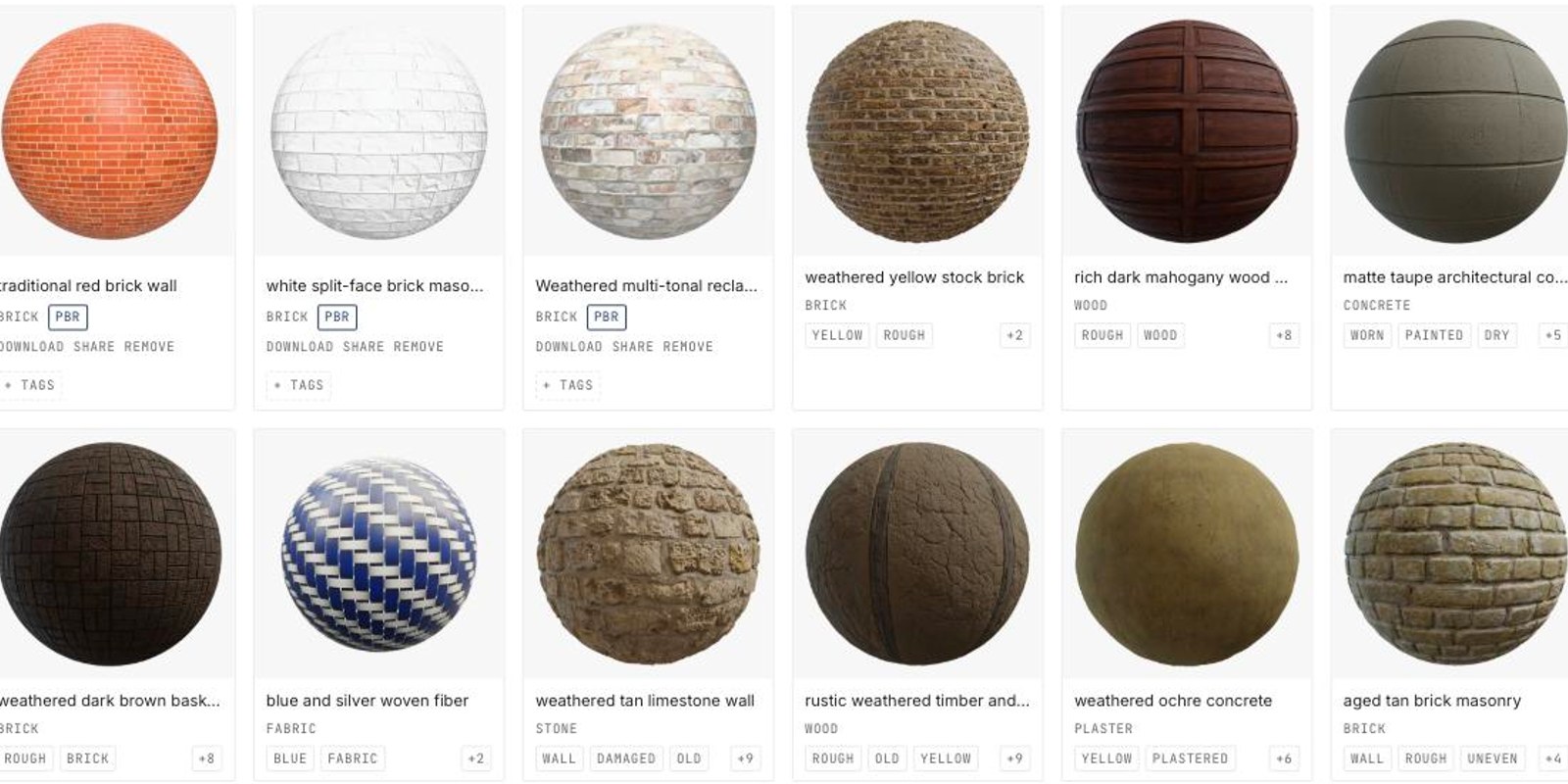
2,000+ materials, one click to apply
A curated library of woods, stones, fabrics, tiles, metals, wallpapers, and paint colors, each with a rendered preview. Apply one to any element in your scene and it fills the material description and reference image for you.
- Commercially safe, CC0-licensed stock library
- Save your own; batch-import up to 200 files
- Share materials with your teamspace
- Included on every plan
Sketches, renders, and decisions on one canvas
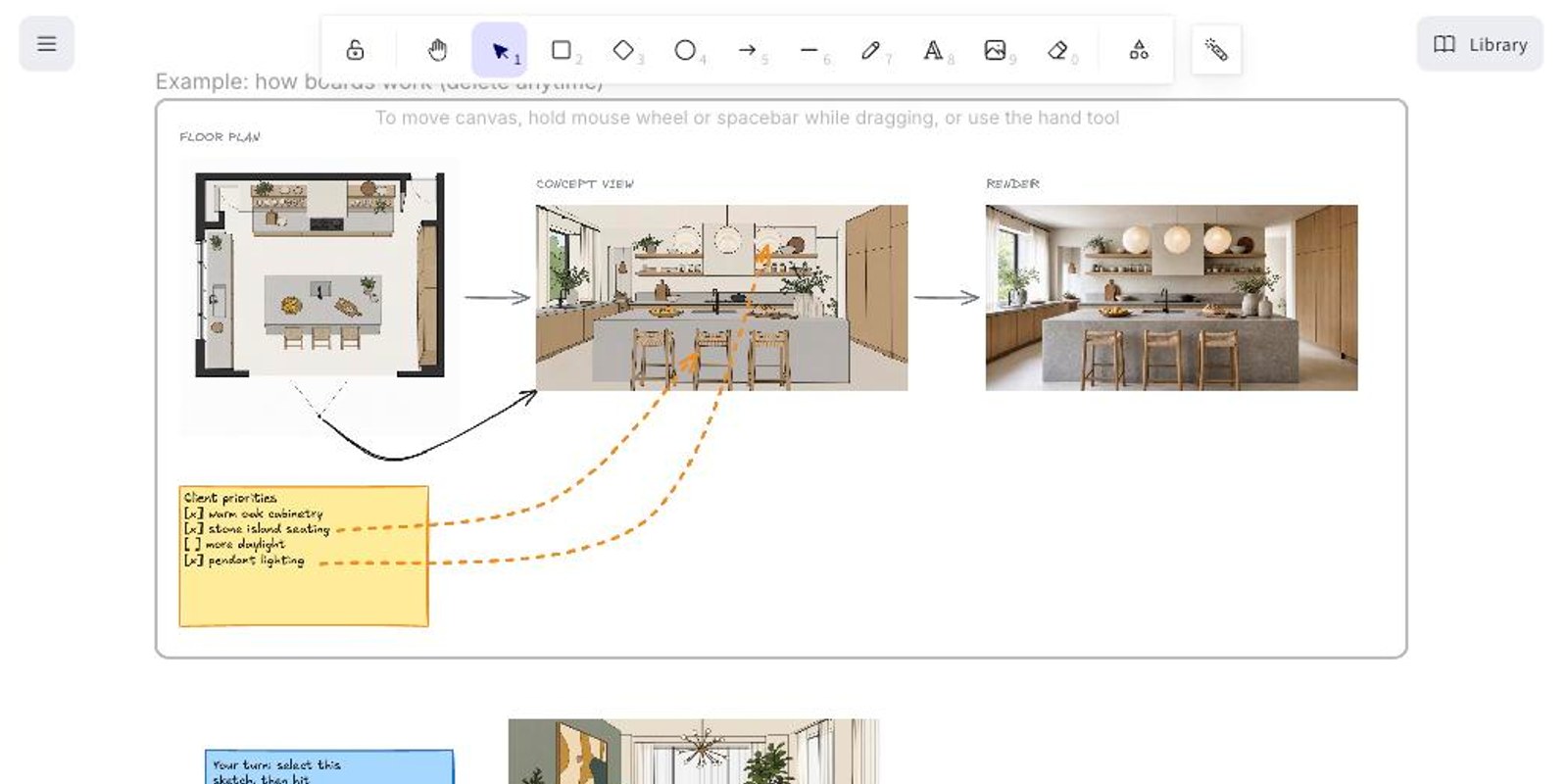
Boards is a live collaborative canvas for the messy middle of a project: concept sketches next to renders next to plans and notes. Select a sketch on the board and render it in place.
- Quick Render straight from the board
- One share link per board: view or edit
- Guests can sketch, comment, and render
- White-label with your logo on Pro and up
The whole studio, one workspace
Teamspaces keep a studio's projects, credits, and materials in one place. Invite people by email; seats are included with every paid plan, with no per-seat billing.
- 2 to 10 seats depending on plan
- Optional shared credit pool with caps
- Shared material libraries and team boards
- View-only client links that expire
Turn any photo into a material
Click a surface in any photo and VizBase extracts it as a seamless material with a full PBR map set. The brick on the right was pulled from the facade on the left with one click.
- Point at a surface, or describe it in words
- Five seamless PBR maps: color, normal, roughness, metalness, height
- Runs in the background, pings you when ready
- Download for SketchUp, Blender, 3ds Max, Unreal

ALSO INCLUDED
Auto masking
Elements detected and masked during analysis, ready to select. No manual masking.
Per-element materials
Oak floor, marble counter, brass fixtures: each element controlled separately in one render.
Refine
Mark an area and describe the change, for 0.5 credits. The whole frame is re-rendered, guided by your mask, so areas outside it can change too.
4K / 6K / 8K upscaling
Fixed export resolutions up to 7680 px on the long edge for print and large displays.
SketchUp plugin
Render the current viewport without leaving SketchUp. Starter plan and up.
Revit & Rhino plugins
Native integrations for Revit and Rhino are in development.
Full commercial rights
Every render is yours to use commercially, on every plan, even after cancellation.
Free export
PNG or JPG at the original resolution. Exporting at the original size never costs credits.
Style presets
Modern, Scandinavian, Japandi, Industrial, Mid-Century, Mediterranean, and more.
Built around one promise: it stays your design
The most common complaint about AI rendering is that it redraws the design. Vizbase is built against that. Depth guidance and scene analysis tell the render modes which walls, fixtures and views to keep, and per-element masks steer each material change to the element you picked. The layout and main pieces carry through; small fixtures and repeated joints can still drift, so check the details before a render goes to a client.
Your layout, your materials, your camera.
TRY IT FREESee VizBase in action
Interior Design Rendering
AI renders for living rooms, kitchens, bathrooms, bedrooms, and commercial interiors. Material swaps, style iteration, client presentations.
USE CASEExterior Visualization
Facades, landscaping, streetscapes, and masterplan visualizations.
INTEGRATIONSketchUp AI Rendering
Native plugin and upload workflow for SketchUp users.