Best Lumion Alternatives in 2026 (Cheaper, Faster, No GPU Required)
This page compares 8 Lumion alternatives for architects and small studios: VizBase, D5 Render, Twinmotion, Enscape, MyArchitectAI, Blender, Veras, and ArchiVinci. Lumion Pro costs $1,149/year per seat (Studio $1,499) and requires a $1,500+ GPU workstation; cloud-based AI tools like VizBase have a free tier with 5 credits/month (up to 10 renders) and paid plans from €29/month with no GPU. Best for architects doing primarily still imagery — Lumion still leads for real-time walkthroughs and animation.
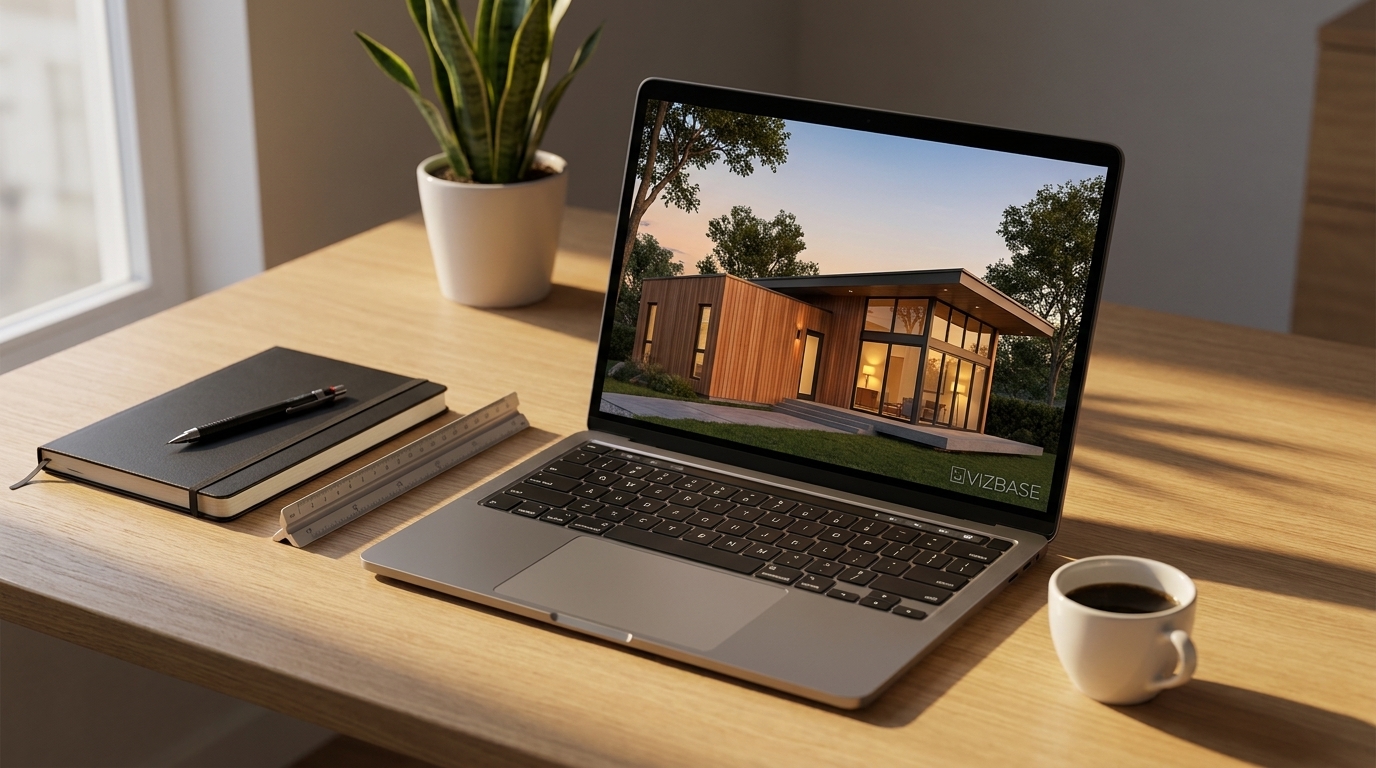
Lumion has been the architectural visualization standard since 2010. In 2026 it costs $1,149 per year per seat for Lumion Pro ($1,499 for Studio), requires a $1,500+ GPU workstation, and takes weeks for new staff to learn well. Architects are searching for alternatives — not because Lumion got worse, but because faster, cheaper, and easier tools finally caught up. Cloud-based AI rendering removes the GPU tax entirely. Real-time competitors like D5 Render and Twinmotion now match Lumion on output and beat it on price.
We compared 8 Lumion alternatives across price, GPU requirements, learning curve, and output quality. This is an honest comparison — we built VizBase and we include it, but we rank fairly.
Product demo — auto-segmentation, per-element materials, render, and export.
What to look for in a Lumion alternative
Architects switching away from Lumion need different things than someone evaluating real-time rendering for the first time. You already understand lighting, materials, and composition. What you actually need from an alternative is: faster turnaround for client revisions, lower total cost of ownership including the GPU workstation, shorter onboarding for new staff, comparable output on architectural exteriors and interiors, and integration with Revit, Rhino, or SketchUp depending on your modeling stack.
The tools below split into three categories. Real-time competitors (D5 Render, Twinmotion, Enscape) match Lumion's workflow most directly — same mental model, lower price, similar quality. AI rendering tools (VizBase, MyArchitectAI, ArchiVinci, Veras) replace the rendering step entirely with a cloud call — no GPU, no scene setup, but no real-time walkthroughs. Blender + Cycles is the free open-source option for studios with time to learn it.
1. VizBase
Best for: Architects who want photorealistic stills without owning a GPU workstation. Not for: real-time walkthroughs, VR, or animation deliverables.
VizBase is cloud-based AI rendering. You export a screenshot from SketchUp, Revit, or Rhino, upload it, and describe the materials and lighting in natural language. A photorealistic exterior or interior render comes back with no scene setup and no local GPU. The differentiator versus other AI tools is per-element control — VizBase automatically detects the elements in your scene (walls, floors, glazing, cladding, planting) and lets you specify materials separately rather than describing the whole image at once.
Four render modes are available: Gen 2.0 stays closest to the source image, including its lighting, and is the fastest; Gen 2.1 gives creative interpretations and works best with reference images; Gen 3.0 brings strong material realism and drops drawn SketchUp outlines; and Gen 4.0, the newest, delivers photographic light and materials that stay true to the design.
Pricing: Free tier (5 credits/month, up to 10 renders), Starter €29/mo, Pro €59/mo, Studio €109/mo. Annual saves 15%. SketchUp plugin available from the Starter tier.
Strengths: No GPU required, per-element material control, 4K–8K exports, predictable monthly cost, free tier for evaluation. Limitations: Still imagery only — no real-time walkthrough, no animation, no VR. See the full Lumion-to-VizBase comparison.
2. D5 Render
Best for: Architects who want a direct Lumion replacement — same real-time mental model, lower price, often-better output. Not for: studios without an RTX-class GPU.
D5 Render is the closest thing to a drop-in Lumion replacement in 2026. Real-time path-traced rendering with NVIDIA RTX, a strong asset library, native plugins for SketchUp, Revit, Rhino, and 3ds Max, and a Community Edition that is genuinely usable for paid client work — not just a watermarked trial. Studios that switched from Lumion in 2024–2025 report a one-afternoon transition.
Pricing: D5 Community is free. D5 Pro is $38/month, or about $30/month billed annually ($360/yr). Comparable Lumion Pro is $1,149/year.
Strengths: Free tier is real, real-time path tracing, broad plugin support, Lumion-like UX. Limitations: Requires RTX 2060 or better, GPU workstation cost still applies, learning curve similar to Lumion (weeks for mastery).
3. Twinmotion
Best for: Small firms and freelance architects who qualify for the free tier under Epic's 2025 pricing policy. Not for: firms above the revenue threshold without an existing Unreal pipeline.
Twinmotion is Epic Games' real-time renderer, built on the same Unreal Engine technology behind major film and game pipelines. Since Epic's 2025 pricing change, Twinmotion is free for individuals and firms with under $1M in annual gross revenue — a category that includes most solo architects and small studios. For larger firms, the paid license is around $445/year per seat, still significantly cheaper than Lumion Pro. The trade-off versus Lumion is a steeper UI learning curve and tighter integration with the broader Unreal/Epic ecosystem.
Pricing: Free for users and firms under $1M annual gross revenue. Paid license approximately $445/year/seat above that threshold.
Strengths: Free for most independent architects, Unreal Engine quality, real-time, growing asset ecosystem. Limitations: Requires a capable GPU, steeper learning curve than Lumion, the revenue-based pricing model creates uncertainty for growing firms.
4. Enscape
Best for: BIM-heavy practices that live inside Revit, SketchUp, or Rhino and want real-time rendering without leaving their modeling tool. Not for: standalone visualization studios that don't want a plugin-only workflow.
Enscape (now part of Chaos, makers of V-Ray) runs as a plugin inside Revit, SketchUp, Rhino, Vectorworks, and ArchiCAD. The selling point is no export step — your modeling tool and your render are the same scene. Changes to the BIM model appear in the render in real time. This is the closest workflow to having Lumion built into your modeling software.
Pricing: Enscape Solo is approximately $574.80/year. The ArchDesign Collection bundle (Enscape + V-Ray + other Chaos tools) runs higher. See VizBase vs Enscape comparison.
Strengths: Direct BIM integration, no export step, real-time, mature ecosystem. Limitations: Requires GPU, plugin-only (no standalone mode), Solo pricing pushed solo practitioners toward alternatives in 2025.
5. MyArchitectAI
Best for: Architects wanting the simplest possible AI rendering workflow with a generous evaluation trial. Not for: projects requiring per-element material control.
MyArchitectAI is one of the more established AI rendering platforms aimed at architects. The pitch is simplicity — upload an image, pick a style preset, get a render. The 10-render free trial is generous for evaluation, and the platform handles a wide range of input types including sketches, SketchUp screenshots, and reference photos. The trade-off versus VizBase is whole-image style transformation rather than per-element control.
Pricing: 10 renders free, then paid plans starting around $29/month.
Strengths: Simple UX, generous free trial, mature platform, no GPU required. Limitations: Less granular control over individual materials and elements compared to VizBase.
6. Blender + Cycles
Best for: Architects with time to learn and zero software budget — students, academics, hobbyists transitioning to professional work. Not for: deadline-driven studios that need fast iteration on client revisions.
Blender with the Cycles path-traced render engine is free, open-source, and capable of professional-grade architectural output. With the right add-ons (Archipack, BlenderGIS, BlenderKit asset library), Blender can replace Lumion entirely for studios willing to invest the learning time. The community is enormous, the tutorials are extensive, and there is no vendor risk. See how AI rendering compares as a faster alternative in our Blender rendering guide.
Pricing: Free, forever.
Strengths: Free, open source, professional-grade output, no vendor lock-in, no subscription. Limitations: Steepest learning curve of any tool here (3–6 months for proficiency), requires a CUDA-capable GPU for reasonable render speed, UI is not architecture-specific.
7. Veras (by Chaos)
Best for: Revit-heavy firms that already use V-Ray and want AI rendering inside the existing BIM workflow. Not for: studios that don't use Revit, Rhino, or SketchUp.
Veras is an AI rendering plugin from Chaos (makers of V-Ray and now Enscape). It applies AI rendering directly to your 3D model using the actual geometry as a substrate rather than just the image, which means better geometric accuracy than upload-based AI tools. Available as plugins for Revit, Rhino, and SketchUp. The trade-off is it only works inside those three host applications.
Pricing: Subscription through Chaos, bundled in some V-Ray licenses.
Strengths: Geometry-aware (better accuracy than image-only AI), integrates with existing Chaos ecosystem, plugin-native. Limitations: Revit/Rhino/SketchUp only, no standalone option, requires the host application.
8. ArchiVinci
Best for: Studios that work from sketches, mood boards, and concept images and want one platform for early ideation through final visualization. Not for: studios primarily rendering finished 3D models.
ArchiVinci's differentiator is range of accepted input types — sketches, mood boards, concept photos, and 3D model exports all feed into the same rendering pipeline. Good for firms that want one tool spanning ideation through presentation rather than separate tools for each stage. Output quality is solid on common interior and exterior types, less consistent on unusual inputs.
Pricing: Free tier available, paid plans vary by usage.
Strengths: Widest range of input types, concept-to-presentation in one platform. Limitations: Quality varies across input types, less per-element control than VizBase.
Quick comparison table
| Tool | Paid From | GPU Required | Real-time? | Free Tier |
|---|---|---|---|---|
| VizBase | €29/mo | No (cloud) | No (stills only) | 5 credits/month (up to 10 renders) |
| D5 Render | ~$38/mo | Yes (RTX 2060+) | Yes | Community Edition |
| Twinmotion | Free under $1M | Yes | Yes | Free under $1M revenue |
| Enscape | ~$48/mo | Yes | Yes | 14-day trial |
| MyArchitectAI | ~$29/mo | No (cloud) | No | 10 renders |
| Blender + Cycles | Free | Yes (recommended) | Yes (viewport) | Free, always |
| Veras | Subscription | No (cloud-rendered) | No | Trial |
| ArchiVinci | Varies | No (cloud) | No | Yes |
| Lumion Pro (reference) | $1,149/yr | Yes (RTX/high-end) | Yes | Trial |
Which Lumion alternative for which studio size
Solo architects and freelancers get the strongest ROI from VizBase, Twinmotion (free under the $1M threshold), or Blender if they have time to learn it. The common thread: zero or near-zero monthly cost and no GPU workstation requirement. VizBase wins on speed-to-result, Twinmotion wins on output quality if you already have a GPU, Blender wins on long-term independence.
2–5 person studios typically want VizBase for daily client iteration combined with D5 Render or Twinmotion for the occasional walkthrough or animation deliverable. The combined annual cost is still a fraction of one Lumion Pro seat. See our 2026 rendering cost breakdown for the full math.
5–20 person firms usually need a mix: VizBase for everyone, D5 Render or Enscape for the visualization specialists, and Veras for the Revit-heavy BIM teams that want AI rendering inside their existing workflow.
20+ person firms with dedicated visualization teams often keep Enscape and D5 Render for real-time work and add VizBase organization-wide for the rest of the team to handle their own iteration without bottlenecking the viz department.
A note on Lumion in 2026
Lumion is not bad software. It is still excellent for animations, VR experiences, and large cinematic shots with complex global illumination. What changed is the rest of the market caught up on still-image quality while staying significantly cheaper and removing the GPU tax. For the 80% of architectural rendering work that ends up as a still image in a client deck or competition board, you no longer need Lumion. For the 20% that genuinely needs real-time walkthroughs and animations, you have D5 Render, Twinmotion, and Enscape — all priced well below Lumion Pro.
If you're evaluating, the cheapest experiment is to take your most challenging current project — exterior or interior, whatever you usually render in Lumion — and run it through the free tiers of two or three tools on this list. VizBase's free tier (5 credits a month, up to 10 renders), D5's Community Edition, and Twinmotion (if you qualify) cost you nothing. For more context on the AI vs traditional rendering trade-off, see our AI rendering vs V-Ray vs Lumion comparison and the broader AI rendering tools roundup.
Frequently asked questions
Is Lumion still worth it in 2026?
For large architecture firms producing high-volume real-time walkthroughs, animations, and VR experiences, Lumion is still a strong choice. For solo architects, small studios, and teams doing primarily still imagery for client presentations and competitions, Lumion in 2026 is increasingly hard to justify against the $1,149–$1,499/year subscription (Pro/Studio tiers) plus the $1,500+ GPU workstation cost. The alternatives below match Lumion on still-image quality and beat it on speed-to-result and total cost of ownership.
What's the cheapest Lumion alternative?
Blender with Cycles is free forever, but the learning curve is the steepest of any tool on this list. VizBase has a free tier with 5 credits a month (up to 10 renders) and paid plans starting at €29/month with no GPU required. Twinmotion is free for users and firms with under $1M in annual revenue. D5 Render has a strong free Community Edition. For most architects, VizBase or Twinmotion is the cheapest viable starting point.
Can AI rendering replace Lumion?
For still images and client presentations — yes, in most cases. AI rendering tools like VizBase produce photorealistic exteriors and interiors without a GPU. Lumion still wins for real-time walkthroughs, animation sequences, and VR experiences. The honest answer for 2026: most architectural studios use AI rendering for the 80% of work that is still imagery and keep Lumion (or a Lumion alternative like D5) for the 20% that needs real-time or animation.
What's the best free Lumion alternative?
Three tools have meaningful free tiers: VizBase (5 credits a month, up to 10 renders, cloud-based, no GPU needed), D5 Render Community Edition (full real-time rendering, requires an RTX GPU), and Twinmotion (free for users and firms with under $1M annual revenue since Epic Games' 2025 pricing change). VizBase is the lowest-friction option because it works in any browser. D5 Community is the best free option if you already own an RTX-class GPU.
Do I need a GPU for these Lumion alternatives?
It depends on the tool. Cloud-based AI rendering tools (VizBase, MyArchitectAI, ArchiVinci) require only a web browser — no GPU. Real-time rendering tools (D5 Render, Twinmotion, Enscape) require an RTX 2060 or better GPU. Blender + Cycles will run on integrated graphics but is dramatically slower without a CUDA-capable GPU. The cloud-based AI tools are the cheapest total cost of ownership because they eliminate the $1,500+ workstation requirement.
Can I use my Lumion-trained skills with these alternatives?
Yes for the real-time tools (D5 Render, Twinmotion, Enscape) — the workflow concepts transfer directly: import model, place sky, set lights, drop materials, render. The UI varies but the mental model is the same. For AI rendering tools (VizBase, MyArchitectAI), the workflow is different: you export a screenshot from your 3D model and describe the materials and lighting in natural language. Most Lumion users transition in an afternoon.
Which Lumion alternative works with SketchUp?
All eight tools in this comparison accept SketchUp output in some form. VizBase has a dedicated SketchUp plugin (Starter tier and above) that captures the current view, plus accepts uploaded SketchUp screenshots on every tier. D5 Render, Twinmotion, and Enscape have direct SketchUp plugins for real-time sync. Veras works through a SketchUp plugin as well as Revit and Rhino. MyArchitectAI and ArchiVinci accept SketchUp screenshot exports. Blender requires manual model import via OBJ or FBX.
Will any of these alternatives match Lumion final-render quality?
For the still-image use cases most architects actually deliver — client presentations, competition boards, portfolio pieces — yes. D5 Render and Enscape match or exceed Lumion on real-time output quality. AI rendering tools like VizBase produce results that read as photographic on screen and in print. Where Lumion still wins is high-end animation, VR, and large-scene cinematic shots with complex global illumination. If your output is 90% stills, you won't miss Lumion.
Try VizBase — 5 free credits (up to 10 renders), no GPU, no credit card
Upload a SketchUp or Revit screenshot and see photorealistic AI rendering on your own project. No workstation required.
GET STARTED FREE